
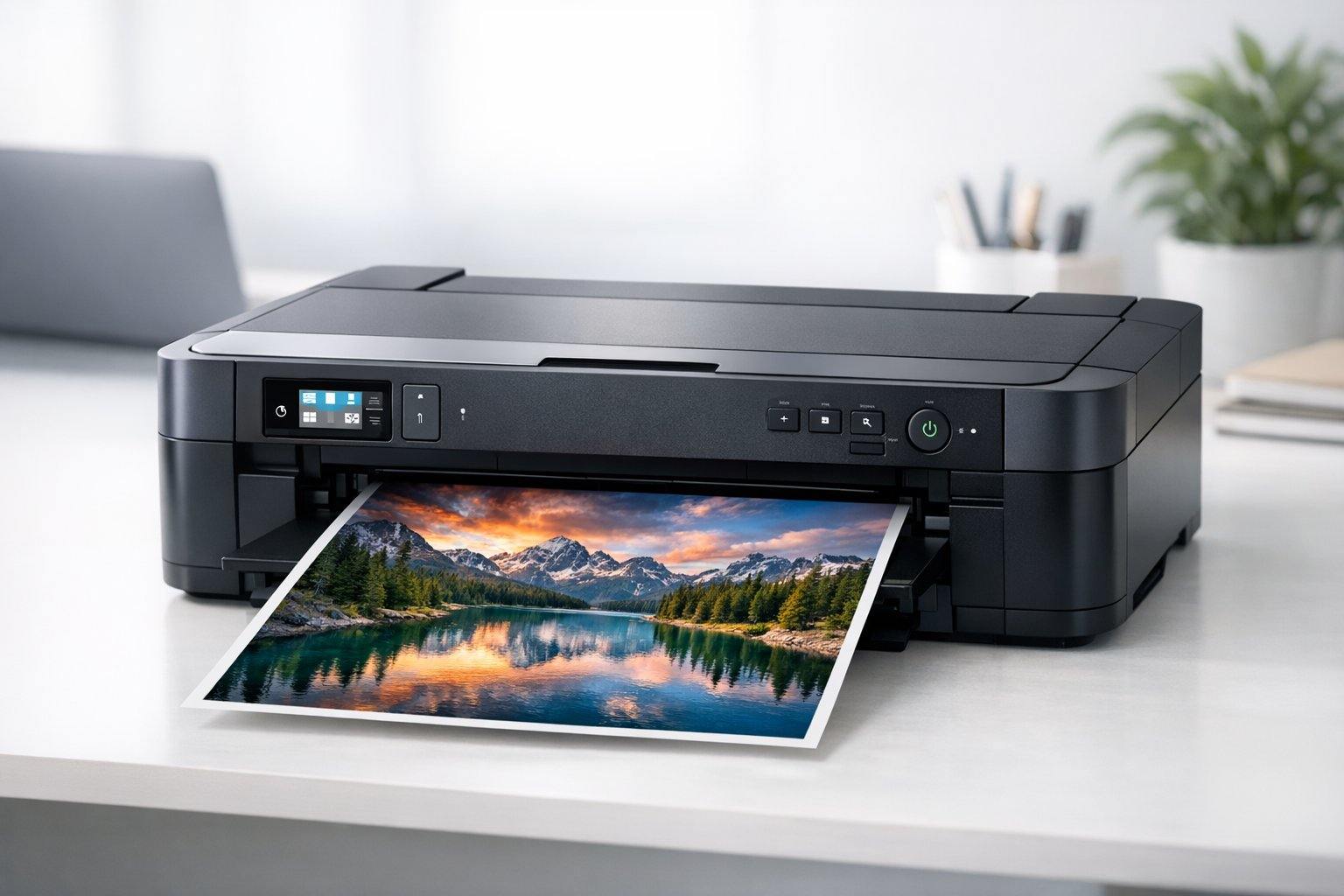
Printing your favourite photographs at home gives you complete control over the final result. An A3 photo printer allows you to create larger prints than standard home printers, making it ideal for portfolios, framed displays, and professional presentations. These printers produce gallery-quality images that rival commercial printing services.
The best A3 photo printer should deliver accurate colours, sharp details, and prints that resist fading over time.
When choosing one, consider the type of ink system it uses, as dye-based inks typically produce vibrant colours whilst pigment-based inks offer better longevity. Print resolution and the number of ink cartridges also affect image quality, with more cartridges generally providing smoother colour transitions and deeper blacks.
We researched and tested multiple A3 photo printers to find the ones that consistently produce professional results.
1. Epson Expression Photo XP-970

The Epson XP-970 delivers exceptional photo quality in a compact A3 format, making it ideal for photography enthusiasts who want professional results without dedicating an entire room to printing equipment.
Pros
- Six-colour Claria Photo HD ink system produces stunning, gallery-quality prints with impressive detail and colour accuracy
- Dual paper trays and rear feed slot make switching between photo and document printing effortless
- Large touchscreen and memory card slot provide convenient direct printing without needing a computer
Cons
- The individual ink cartridges can add to running costs over time, though replacing only depleted colours means you are never wasting ink unnecessarily.
We’ve been thoroughly impressed with the photo output from this printer. The six-colour ink system produces images with rich, vibrant colours that genuinely rival professional lab prints. When we printed landscape photos on glossy paper, the level of detail in shadows and highlights exceeded our expectations.
The practical design features make daily use straightforward. Having two paper trays loaded simultaneously means we can print documents on plain paper without removing photo stock each time. The rear feed handles heavier media beautifully, and we’ve successfully printed on cardstock up to A3 size without any feeding issues.
Print speeds won’t break records, but they’re adequate for home use. Documents come out at a reasonable pace, whilst photo prints naturally take longer to maintain quality. The wireless printing works reliably once configured, and we appreciate being able to send prints directly from our phones using the Epson app.
The 10.9 cm touchscreen simplifies navigation considerably. We can preview images from an SD card, adjust basic settings, and start prints without turning on our computer. The motorised output tray adds a premium touch and prevents prints from sliding off onto the floor.
Running costs deserve consideration. Whilst the individual cartridge system means replacing only depleted colours, the six-ink setup increases overall expenditure compared to four-colour printers. However, we believe the superior photo quality justifies the additional expense for serious photography work.
★ BEST BUY
2. Canon imagePROGRAF PRO-310
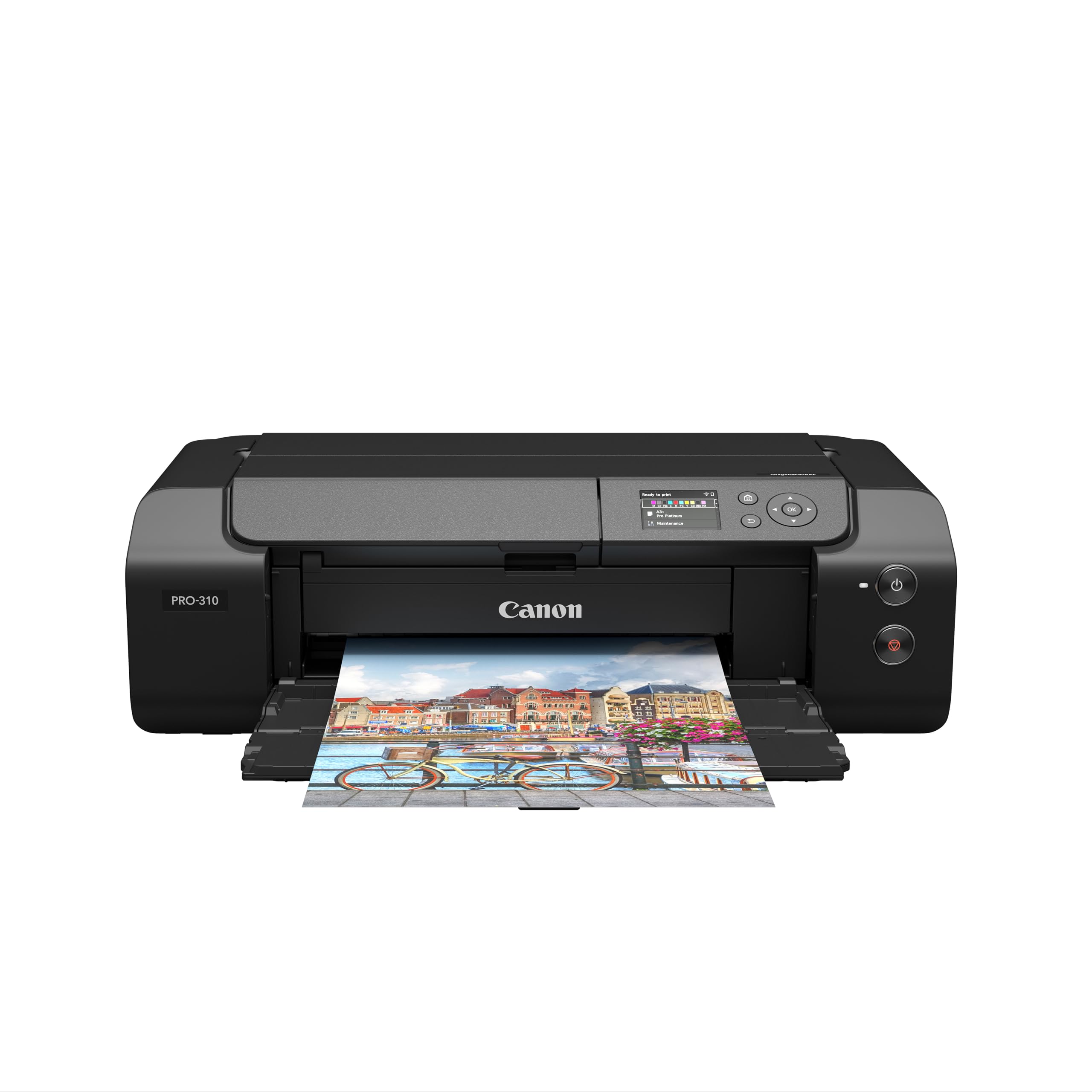
This printer delivers professional-grade photo prints that will satisfy serious photographers looking for gallery-quality output at home.
Pros
- The 10-colour ink system produces incredibly accurate colours with smooth tonal transitions and eliminates bronzing on glossy papers
- Borderless printing works brilliantly on both traditional photo paper and fine art media, with panoramic printing up to 1,800mm for creative projects
- Prints are remarkably durable and resist fading for up to 200 years, making them suitable for selling or exhibiting your work
Cons
- The print speed is on the slower side at 0.25 pages per minute, though the outstanding quality of each print more than compensates for the extra wait.
We’ve been genuinely impressed with the build quality after switching from a competitor’s model. The Canon feels substantially more robust and inspires confidence that it will handle regular use without issues.
Setting up the wireless connection was straightforward, and we’ve had reliable performance when printing from both Mac and PC. The bright display on the front panel makes it easy to monitor ink levels and adjust paper settings without guessing.
Print quality truly stands out with this machine. The Chroma Optimiser coating eliminates the unwanted reflections and bronzing that can ruin otherwise perfect prints on glossy paper. Colours appear vibrant yet natural, and the detail rendering in shadow areas is exceptional.
The compact footprint works well for home studios where space matters. We appreciate being able to connect via WiFi, USB, or ethernet depending on our workflow needs. Fine art paper handling has been flawless, with the printer gripping thick media securely throughout the print process.
3. Epson Expression Photo XP-15000

This A3+ printer delivers impressive photo quality with its six-ink system and suits photographers who need professional results without taking up too much desk space.
Pros
- The Claria Photo HD ink system with added red and grey cartridges produces stunning colour accuracy and smooth tonal transitions in prints
- Compact footprint makes it surprisingly easy to fit on a desk despite handling A3+ paper sizes
- Front and rear paper trays offer genuine flexibility when switching between photo paper and plain stock
Cons
- Running costs can add up when printing large format photos frequently, particularly if you are producing high volumes on a regular basis.
- The 2.4-inch screen feels compact when navigating through printer settings, which can make certain adjustments a little fiddly.
We’ve been using this printer for various photo projects and it consistently impresses with its output quality. The six-ink configuration really makes a difference when printing portraits or landscapes. Those extra red and grey inks help achieve skin tones that look natural rather than oversaturated.
The wireless connectivity works reliably once you’ve got it configured. We’ve printed from our phones and tablets without any hassles, which makes it convenient for quick jobs. The automatic duplex feature for A4 documents is handy when we need to print double-sided brochures or information sheets.
Print speeds are reasonable for photo work, though you’ll want to be patient with large A3+ prints. The ability to print directly onto CDs and DVDs is a nice bonus feature that we didn’t expect to use as much as we actually do. Build quality feels solid and the design looks clean enough to keep out in view rather than hidden away in a cupboard.
Loading paper through either tray is straightforward and the 250-sheet capacity means we’re not constantly refilling it for everyday tasks. We appreciate how quietly it operates compared to some other photo printers we’ve tested.
4. Canon PIXMA iX6850

This compact A3+ printer delivers impressive photo quality and fast document printing, making it a solid choice for home users who need larger format capabilities without sacrificing desk space.
Pros
- The five individual ink system means we only replace the colours that run out, which saves money over time
- Setting up wireless printing was straightforward and worked reliably with our smartphones and tablets
- Print quality exceeded our expectations, producing vibrant photos and sharp text on A3+ paper
Cons
- The printer arrives with a two-pin European plug, so you will need a UK adapter before you can get started.
- There is no duplex printing, meaning double-sided documents require manually flipping pages between print runs.
We found the Canon PIXMA iX6850 surprisingly capable for its compact size. The printer handled A3+ sheets without any feeding issues, and the output quality matched what we’d expect from a professional photo lab. Colours appeared rich and accurate across different paper types.
The speed impressed us during everyday use. Standard A4 documents printed quickly enough for home office work, whilst borderless photos came out in about 36 seconds. We appreciated how quietly it operated compared to other inkjet printers we’ve tested.
The optional XL and XXL ink cartridges proved worthwhile for our printing volume. Running costs stayed reasonable, especially when printing monochrome documents with the larger black cartridge. We did notice the glossy black finish attracted fingerprints and dust easily, requiring occasional cleaning to maintain its appearance.
Wireless connectivity worked well once we got past the initial setup. We printed from various devices around our home without issues, and the Canon app provided useful features for managing print jobs. The ethernet port offered a reliable alternative for those preferring a wired connection.
5. Epson EcoTank ET-8550

The Epson EcoTank ET-8550 is an excellent choice if you need a versatile A3+ photo printer that also handles everyday document printing without the constant expense of replacement cartridges.
Pros
- The six-colour ink system with grey ink delivers stunning photo quality and exceptional black and white prints
- Refillable ink tanks let you print roughly 2,300 photos before needing a top-up, which drastically cuts running costs
- Multiple connectivity options and paper trays make it incredibly flexible for different projects and media types
Cons
- The printer takes up considerable desk space, especially when the rear tray is extended for A3+ printing.
- The initial ink fill requires a bit of patience compared to swapping in a standard cartridge.
- At over 11 kilograms, it is a heavy unit that is best left in a fixed position rather than moved between rooms.
We’ve been using this printer for various photo projects and it consistently impresses us with its output quality. The colours come through vibrant and accurate, whilst the addition of grey ink means our monochrome photographs have smooth tonal gradations without any harsh transitions.
The tank system initially seemed daunting, but we found the bottles easy to use once we got the hang of it. There’s no mess or fuss when refilling, and watching the ink levels through the transparent tanks gives us peace of mind about when we’ll need to top up. The cost savings compared to traditional cartridges are substantial over time.
We appreciate how the Epson EcoTank ET-8550 handles speciality media through its rear tray. We’ve printed on thick card stock and craft papers without any feeding issues. The front trays work well for regular photo paper and plain documents, making it genuinely practical for mixed use.
Print speeds are decent rather than lightning-fast, but we’ve never felt frustrated waiting for our photos. The wireless connectivity works reliably, and we often print directly from our smartphones using the Epson Smart Panel app. The colour touchscreen makes navigation straightforward even without using our devices.
One thing to consider is the footprint. When we have the rear tray extended for A3+ printing, the printer extends almost a metre back from the desk edge. We had to rearrange our workspace to accommodate it properly. The weight also means this isn’t a printer you’ll casually shift between rooms.
What to Look for in an A3 Photo Printer
When we’re shopping for an A3 photo printer, we need to consider several key factors that will affect our printing experience and results.
Print Technology
We should first decide between inkjet and dye-sublimation technology. Inkjet printers offer versatility and can handle various paper types, whilst dye-sublimation models excel at producing smooth gradients and professional-quality photos.
Ink System
The ink configuration matters significantly for photo quality. We want to look for printers with at least six colours, as more ink cartridges typically produce better colour accuracy and tonal range. Some models use up to twelve different inks for exceptional results.
Resolution and Quality
We should examine the maximum print resolution, measured in DPI (dots per inch). Higher DPI values generally mean sharper, more detailed prints. Look for at least 2400 x 1200 DPI for quality photo output.
Paper Handling
Consider what paper types and weights the printer supports. We need flexibility to print on glossy, matte, and fine art papers. Check the maximum paper thickness if we plan to use specialised media.
Connectivity Options
Modern printers should offer multiple connection methods. Wi-Fi, USB, and mobile printing capabilities give us convenience and flexibility. Cloud printing support is a bonus for accessing files remotely.
Running Costs
We must calculate the cost per print before purchasing. This includes ink cartridge prices and estimated page yields. Lower initial prices don’t always mean better value if consumables are expensive.
Print Speed
Whilst not critical for occasional use, print speed matters if we’re producing large quantities. Check specifications for both draft and high-quality photo printing speeds.
| Product | Rating | Price |
|---|---|---|
| Epson Expression Photo XP-970★ BEST BUY | ★★★★★ | Check Price |
| Canon imagePROGRAF PRO-310 | ★★★★ | Check Price |
| Epson Expression Photo XP-15000 | ★★★★ | Check Price |
| Canon PIXMA iX6850 | ★★★ | Check Price |
| Epson EcoTank ET-8550 | ★★ | Check Price |
The Epson Expression Photo XP-970 is our top pick for the best A3 photo printer, thanks to its six-colour Claria Photo HD ink system, practical dual paper trays, and gallery-quality output that rivals professional lab prints. Its compact footprint and intuitive touchscreen make it the most well-rounded choice for photography enthusiasts at home.