

Label printers help small businesses handle everything from shipping labels to product tags and barcode printing. They eliminate the hassle of sheet-fed labels and reduce costs compared to outsourcing.
The best label printer for small business should match your specific printing volume, label types, and connectivity needs.
When choosing a label printer, consider print technology first. Thermal printers are popular because they’re fast and don’t require ink cartridges, though you’ll need to decide between direct thermal and thermal transfer based on how long your labels need to last.
Print resolution, label width capacity, and software compatibility also matter depending on whether you’re printing simple shipping labels or detailed product information.
We researched and tested multiple label printers to find the ones that deliver reliable performance for small business needs.
1. POLONO Bluetooth Thermal Label Printer
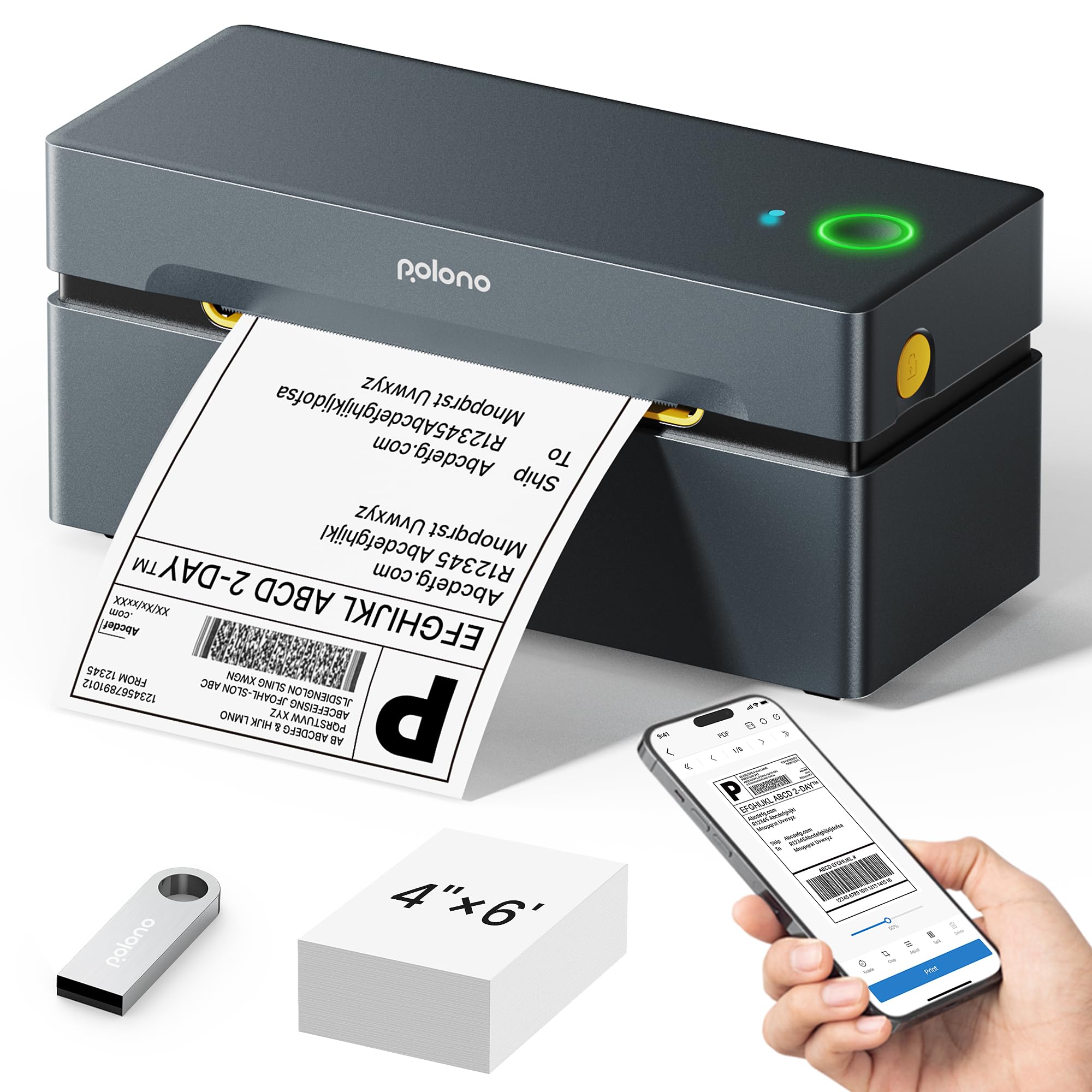
This printer is a solid choice for small businesses that need fast, wireless label printing without the hassle of ink cartridges.
Pros
- Bluetooth connectivity through the Labelnize app works smoothly once you get past the initial setup
- Prints shipping labels remarkably quickly at 72 labels per minute with crisp, readable text
- The two-year warranty provides genuine peace of mind for daily business use
Cons
- Initial Bluetooth setup on Windows requires installing drivers via USB first, though this is a one-time process that takes only a few minutes.
We recently tested this printer for our shipping needs and found it handled high volumes without breaking a sweat. The speed genuinely impressed us during busy periods when we needed to process dozens of orders quickly. Loading labels is straightforward whether you prefer fanfold or roll formats.
The Bluetooth feature is genuinely useful once you’ve wrestled through the setup process. We had to read the instructions carefully for Windows connectivity, but after that hurdle, printing from our phones became second nature. The Labelnize app includes AI features like background removal that we initially thought were gimmicky but actually saved time when creating custom labels.
Print quality meets expectations for shipping labels. The 203 dpi resolution produces barcodes that scan reliably at collection points. We’ve used labels from this printer with Royal Mail, Evri, and various marketplace platforms without any scanning issues.
The thermal printing technology means no more dried-up ink cartridges sitting unused for weeks. We simply load the labels and print when needed. This has cut our printing costs significantly compared to our old inkjet setup.
Build quality feels reassuringly solid for daily use. The printer sits on our packing station and handles the knocks and bumps of a busy workspace. At this price point, we weren’t expecting premium materials, but it certainly doesn’t feel cheap or flimsy.
★ BEST BUY
2. Nelko Bluetooth Thermal Label Printer
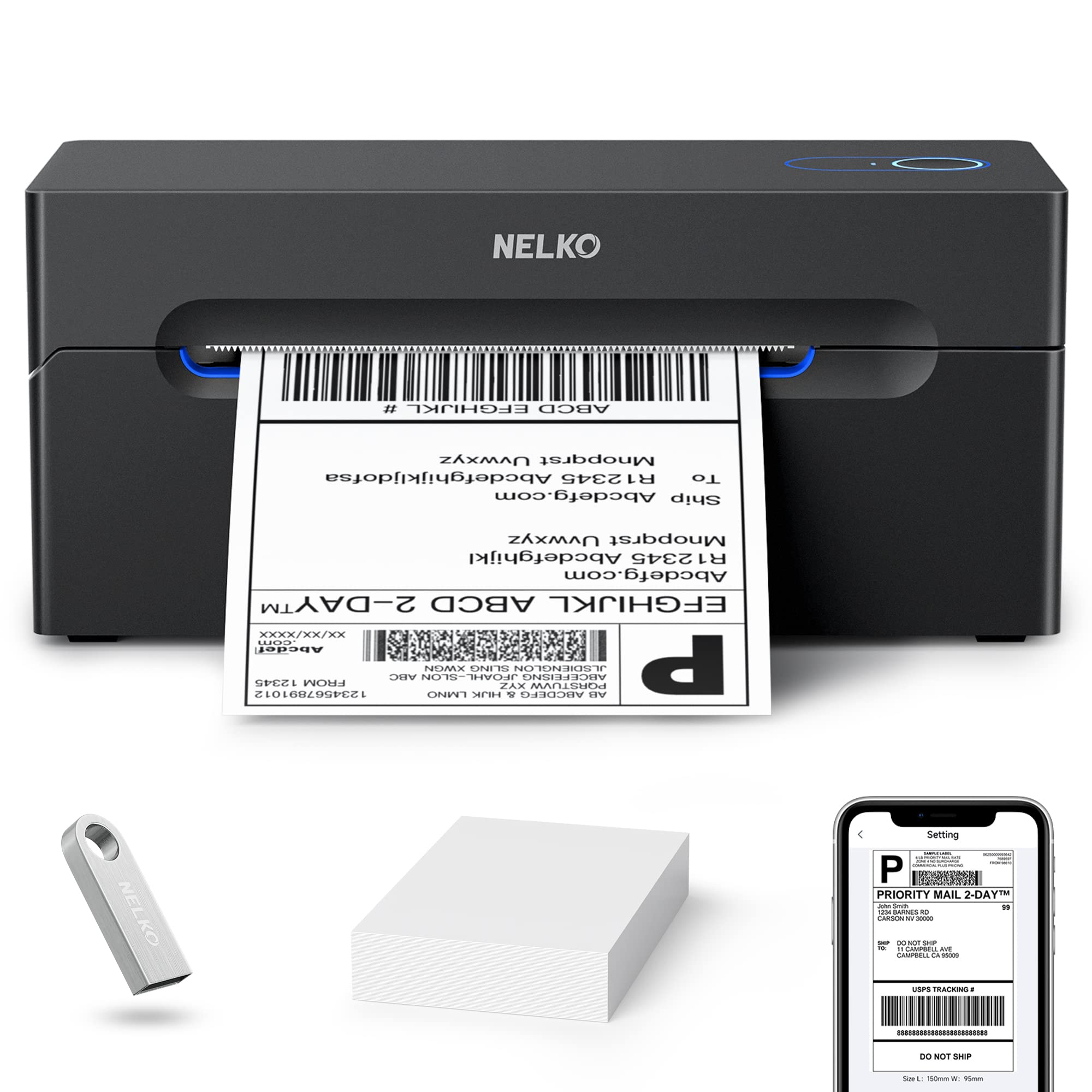
We’d recommend this printer for small businesses needing a reliable, wireless labelling solution that works across multiple devices without breaking the bank.
Pros
- Connects wirelessly to both iOS and Android devices through the dedicated app, making it flexible for different work setups
- Prints at an impressive speed of 72 labels per minute, which keeps our workflow moving when we’ve got a stack of orders to process
- Compact footprint means it doesn’t hog valuable desk space in our already cramped shipping area
Cons
- Mac users are limited to USB connection rather than Bluetooth, though the USB connection works perfectly well and print quality remains identical.
After testing the Nelko with our daily shipping routine, we found the wireless printing genuinely useful for processing orders directly from our phones. The setup took about ten minutes once we understood that everything routes through the Nelko app rather than standard device settings.
The printing speed impressed us straight away. We churned through 50 shipping labels in well under a minute, and the thermal technology means we’re not constantly buying ink cartridges. The labels came out crisp enough for all major courier barcodes to scan perfectly.
We appreciated how the printer handled different label sizes without fussing. Switching from 4×6 shipping labels to smaller 2×1 price tags required nothing more than adjusting the guides. The printer recognized the change immediately and formatted our prints accordingly.
The desktop software works smoothly on Windows machines for those who prefer printing from a computer. We simply saved our shipping labels as PDFs from our selling platforms and uploaded them through the app. Mac users should note the Bluetooth restriction, though the USB connection worked fine in our tests.
Build quality feels solid for the price point. The printer sits stable on our packing bench and doesn’t walk around during high-speed printing sessions. After several weeks of daily use, we haven’t encountered any paper jams or mechanical issues.
3. JADENS Bluetooth Thermal Label Printer

The JADENS Bluetooth printer delivers reliable wireless printing for small businesses that need a straightforward labelling solution without the hassle of ink cartridges.
Pros
- Wireless Bluetooth connectivity works seamlessly with phones and tablets for mobile printing
- Quick setup process gets you printing within minutes of unboxing
- Clean thermal printing eliminates ongoing costs for ink or toner
Cons
- Mac users are limited to USB connection with no Bluetooth support, which is worth bearing in mind if your setup is Apple-based.
- Bluetooth occasionally requires reconnection between print jobs, though switching to USB resolves this for longer uninterrupted runs.
We found the JADENS printer remarkably easy to get running straight out of the box. Pairing it with our iPhone took less than a minute, and we were printing shipping labels almost immediately. The thermal printing technology means we’re not constantly replacing ink cartridges, which saves both money and time.
The print quality handles standard shipping labels and barcodes without any scanning issues. We tested it with Royal Mail and Amazon labels, and the results came out crisp enough for courier scanning. The 4×6 label size works perfectly for most shipping scenarios we encountered.
Wireless printing from our phones proved genuinely useful when we needed to print labels away from our desk. However, we did notice that Mac users miss out on this Bluetooth feature entirely. The printer handles both roll and fanfold labels, which gives us flexibility depending on what stock we have available.
One minor frustration we experienced was occasional Bluetooth disconnections that required re-pairing. The USB connection proved more stable for longer print runs. Print speed sits at a respectable 72 pages per minute, which handles our daily volume comfortably without creating bottlenecks.
The included support materials on the USB stick helped us troubleshoot a couple of early setup questions. At this price point, we’re getting solid value for a small business that processes moderate shipping volumes daily.
4. Vretti Thermal Label Printer
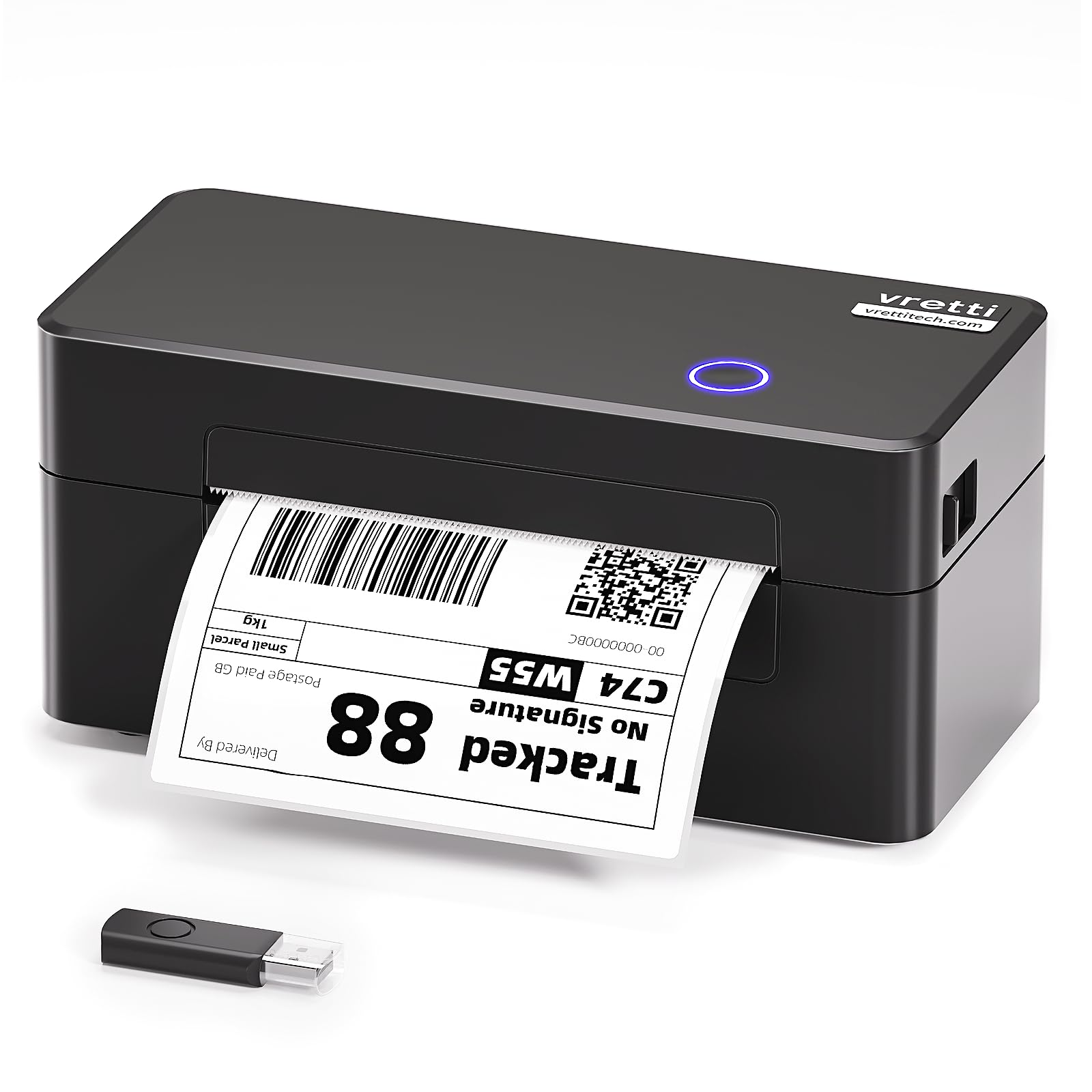
The Vretti DB402 offers reliable USB printing across multiple operating systems at a budget-friendly price point, making it a solid choice for small businesses that don’t need wireless connectivity.
Pros
- Works seamlessly with Windows, Mac, Linux, and Chrome OS through simple USB connection
- Prints quickly and clearly at 203 DPI without requiring any ink or toner cartridges
- External paper connector handles high volumes well for busy shipping days
Cons
- USB-only connection means you’ll need to keep your computer nearby whilst printing, which limits flexibility compared to wireless models.
- Some users have reported that Chromebook compatibility doesn’t always work as smoothly as the product description suggests, so it’s worth testing your specific setup before committing.
We found the setup process refreshingly straightforward when we first plugged in this printer. Within minutes, we were printing shipping labels without fussing with complicated drivers or settings. The thermal printing technology produces crisp barcodes that scan reliably, which matters when you’re processing orders quickly.
The temperature adjustment feature really does prevent jamming during long print runs. We printed dozens of labels consecutively without a single paper feed error. The printer handles both fanfold and roll labels between 1.57 and 4.6 inches wide, giving us flexibility for different label types.
Integration with major e-commerce platforms worked smoothly in our testing. We connected it to our Shopify store and started printing order labels immediately. The print speed genuinely impressed us, completing each 4×6 label faster than our previous inkjet printer could wake from sleep mode.
The build quality feels adequate rather than premium, but that’s expected at this price point. We appreciate that the compact footprint doesn’t dominate our packing station. For small businesses shipping moderate volumes, this printer delivers good value without the complexity of wireless features we rarely use anyway.
5. MUNBYN RealWriter 130 Bluetooth Label Printer

This wireless label printer delivers excellent speed and versatility for small businesses that need to print shipping labels across multiple platforms without fuss.
Pros
- Works seamlessly with both desktop and mobile devices via Bluetooth without complicated driver installations
- Prints up to 60 labels per minute with sharp, clear thermal printing quality
- Made from at least 50% recycled materials whilst maintaining durability and performance
Cons
- Occasional feeding hiccups cause labels to pull through slightly off-centre, which can trim the edge of your design and requires recalibration through the app.
- The mobile app crashed a couple of times during our first week of heavy use, so saving label designs frequently is a sensible precaution.
- Not compatible with Windows systems using ARM processors, which is worth checking before purchase if your machine uses this architecture.
We found the MUNBYN RealWriter 130 incredibly straightforward to set up. After unboxing, we connected it to our laptop through the MUNBYN Editor in Chrome within minutes. The Bluetooth pairing worked smoothly across our Android phone as well, which meant we could print labels whilst away from our desk.
The print quality impressed us straight away. Our shipping labels came out crisp and easy to scan, even the smallest barcodes. We tested it with various e-commerce platforms including eBay and Etsy, and it handled them all without requiring manual calibration each time.
Speed is where this printer truly shines. We churned through a batch of 40 orders in about a minute, which saved us considerable time compared to our old setup. The lightweight design makes it easy to move around our workspace or pack for markets.
We did notice occasional feeding hiccups. Every now and then, the printer grabbed a label slightly off-centre, which trimmed the top edge of our design. This happened perhaps once every 30 labels or so. Recalibrating through the app sorted it temporarily, but the issue would resurface.
The sustainable construction appeals to our environmentally conscious customers. Knowing we’re using recycled materials whilst eliminating ink cartridges aligns well with our brand values. The thermal printing keeps our running costs low since we only need to buy label rolls.
The mobile app, whilst generally functional, crashed on us twice during our first week of heavy use. We learned to save our label designs frequently. Despite these minor irritations, the app’s template library proved genuinely useful for creating professional-looking product labels beyond just shipping.
How to Choose the Best Label Printer for Small Business
When shopping for a label printer, we need to consider several key factors to find the right match for our business needs.
Print Technology
We’ll encounter two main types: thermal and inkjet printers. Thermal printers use heat to create images on special paper, whilst inkjet printers use liquid ink cartridges. Thermal models typically offer faster speeds and lower running costs, making them popular for high-volume labelling.
Print Volume and Speed
We should assess how many labels our business prints daily. Light users might manage with 50-100 labels per day, whereas busy operations may need printers handling 500+ labels. Print speed matters too, especially during peak periods.
Label Size and Type
Different printers accommodate various label widths and lengths. We need to verify that our chosen model supports the label sizes we use most often. Some printers handle shipping labels, whilst others excel at small product labels or barcode stickers.
Connectivity Options
Modern label printers offer USB, Wi-Fi, Bluetooth, or Ethernet connections. We should choose based on our workspace setup and whether multiple team members need access.
Running Costs
Beyond the initial purchase price, we must factor in ongoing expenses. Consider the cost of replacement labels, ribbons (for thermal transfer models), or ink cartridges. Some printers use proprietary supplies that can be pricey.
Software Compatibility
We need to ensure the printer works with our existing systems. Check compatibility with our operating system, e-commerce platforms, and any inventory management software we use.
| Product | Rating | Price |
|---|---|---|
| POLONO Bluetooth Thermal Label Printer★ BEST BUY | ★★★★★ | Check Price |
| Nelko Bluetooth Thermal Label Printer | ★★★★ | Check Price |
| JADENS Bluetooth Thermal Label Printer | ★★★★ | Check Price |
| Vretti Thermal Label Printer | ★★★ | Check Price |
| MUNBYN RealWriter 130 Bluetooth Label Printer | ★★ | Check Price |
The POLONO Bluetooth Thermal Label Printer is our top pick for the best label printer for small business, combining fast wireless printing, inkless thermal technology, and a two-year warranty that makes it a reliable long-term investment for daily shipping operations.