

Printing your own artwork at home offers creative control and cost savings compared to professional printing services. The best printer for art prints can reproduce your photographs, digital illustrations, and other artwork with accurate colours and fine detail. Quality art printing requires specific features that standard office printers often lack.
When choosing a printer for art prints, ink type and paper handling are the most critical factors.
Pigment-based inks provide better longevity and fade resistance than dye-based alternatives. Maximum paper size determines whether you can print larger works, whilst colour gamut affects how accurately the printer reproduces your original colours.
Resolution matters too, with higher DPI producing sharper detail in your final prints.
We tested multiple printers designed for art reproduction to identify the ones that deliver professional-quality results at home.
1. Canon PIXMA TR4755i

The Canon PIXMA TR4755i delivers solid all-round performance for home office printing and art reproduction at a budget-friendly price point.
Pros
- Wireless connectivity worked perfectly on first attempt with reliable Wi-Fi performance
- Automatic duplex printing and 20-sheet document feeder boost efficiency for multi-page tasks
- Compact design fits neatly into small workspace areas without dominating the desk
Cons
- Print speeds are on the slower side for colour work, though for occasional home art printing this is a minor inconvenience rather than a dealbreaker.
We found the setup process straightforward when connecting this printer to our devices. The Canon PRINT app gave us full control over printing and scanning functions from our smartphones. Cloud integration through PIXMA Cloud Link made it simple to pull files from storage and send them directly to print.
Print quality impressed us for both documents and photos. The 4800 x 1200 dpi resolution produced sharp text and vibrant colour images on glossy photo paper. Borderless printing worked well for art prints up to A4 size, though we noticed the output took longer than expected.
The automatic document feeder handled multi-page scanning efficiently. We appreciated the space-saving benefits of duplex printing, which cut our paper usage significantly. The flatbed scanner delivered clean results, making it easy to digitise artwork and documents.
Speed became an issue during larger print jobs. Waiting for colour prints tested our patience, especially when producing multiple art reproductions. The starter ink cartridges depleted after minimal use, forcing us to order replacements sooner than anticipated.
Build quality feels adequate but not exceptional for the price. The lightweight plastic housing seemed a bit flimsy compared to pricier alternatives. Some users may struggle with the interface initially, as the controls on the printer itself aren’t the most intuitive we’ve encountered.
★ BEST BUY
2. Epson Expression Home XP-4200

The XP-4200 works well for basic art print needs at home, though it’s better suited for smaller projects than professional gallery prints.
Pros
- Wireless printing from phones and tablets works smoothly through the Epson Smart Panel app
- Compact design fits easily on a desk without taking up excessive space
- Individual ink cartridges mean we only replace the colours that run out
Cons
- The four-colour ink system and 1440 dpi resolution are adequate for casual home printing but fall short of what serious artists need for highly detailed or colour-critical art reproduction.
We found the XP-4200 incredibly straightforward to set up. The WiFi connection worked on our first attempt, and we had it printing from our phone within minutes. The 6.1 cm LCD screen makes copying documents simple without needing to switch on a computer.
Print quality impressed us for everyday photos and documents. The Pineapple 604 inks produced clear text and reasonably vibrant colours. However, when we printed some artwork with subtle colour gradients, the four-colour system struggled to capture the nuances. Professional artists will notice the limitations immediately.
The compact footprint proved useful in our workspace. At just 4.3 kg, we moved it around easily when needed. Double-sided printing saved paper on draft prints, though we turned this off for final artwork. The 100-sheet input tray held enough paper for a week’s worth of printing.
Wireless features worked reliably throughout our testing. We printed directly from Facebook using the Creative Print app, which was handy for quick projects. WiFi Direct allowed printing even when our main network was down. The printer responded quickly to print commands from various devices.
For casual art prints and photo reproduction at home, this printer handles the job adequately. The affordable running costs with individual ink cartridges keep ongoing expenses manageable. But serious artists seeking gallery-quality output will need to look at models with more colour cartridges and higher resolution capabilities.
3. HP Envy 6120e
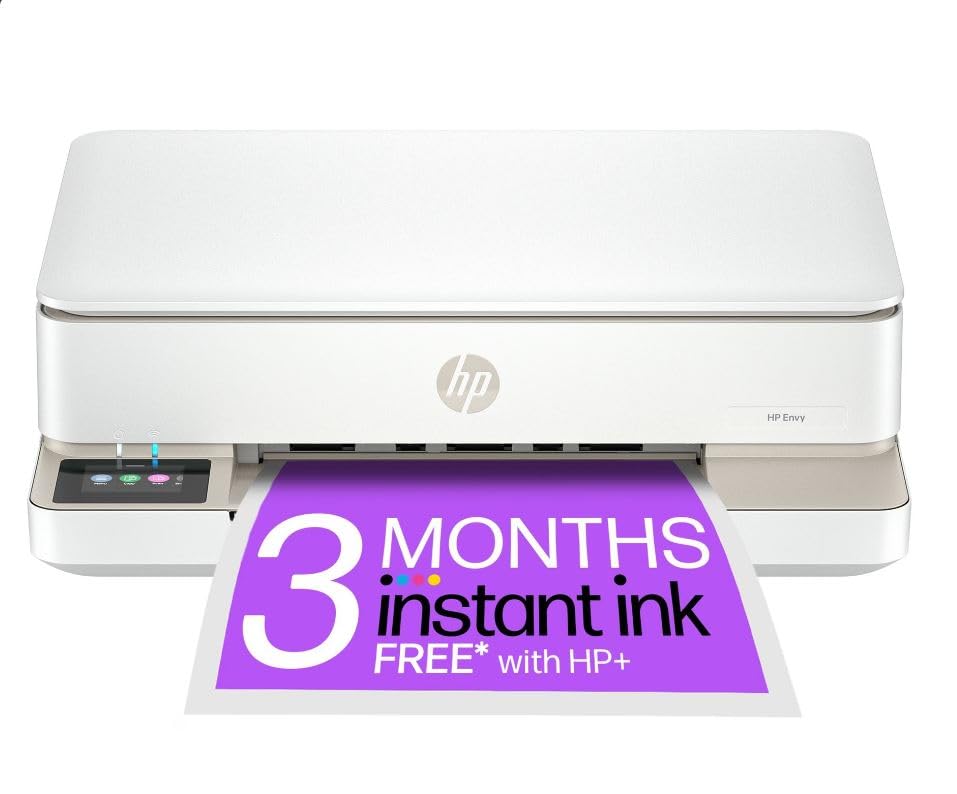
The HP Envy 6120e delivers reliable photo printing for home use with automatic duplex capabilities and borderless output, though its slower print speeds may test your patience.
Pros
- Dual-band Wi-Fi connection remains stable and automatically reconnects when interrupted
- Automatic two-sided photo printing allows personalised cards without manual flipping
- Compact design fits easily on smaller desks whilst maintaining full functionality
Cons
- Print speeds of 7 pages per minute for colour work feel sluggish during larger batch printing sessions, so plan extra time when producing multiple art prints.
- The initial Instant Ink setup can be confusing, though once registered the service delivers cartridges automatically and works without further hassle.
We’ve been using this all-in-one printer for various art print projects and found the colour accuracy impressive. The 4800 x 1200 DPI resolution produces vibrant photographs that match what we see on screen. The 2.4-inch colour touchscreen makes navigation straightforward once you get familiar with the interface.
The self-healing Wi-Fi proved genuinely useful during our testing. We experienced no dropouts when printing from multiple devices around the house. The 100-sheet input tray handles A4 paper comfortably, and we appreciated not having to refill constantly during batch printing sessions.
Borderless photo printing worked well on glossy paper. The scanner’s flatbed design accommodated various materials without fuss. We tested the auto-duplex feature extensively and found it handled photo card creation smoothly, though you’ll need to wait between prints as the mechanism isn’t lightning fast.
The Instant Ink subscription offers value if you print regularly, though some users report difficulties during the registration process. We managed to set it up without major issues, but the requirement to activate HP+ during initial setup felt somewhat pushy. The 5.13 kg weight makes it portable enough to move between rooms if needed.
4. Epson EcoTank ET-2860
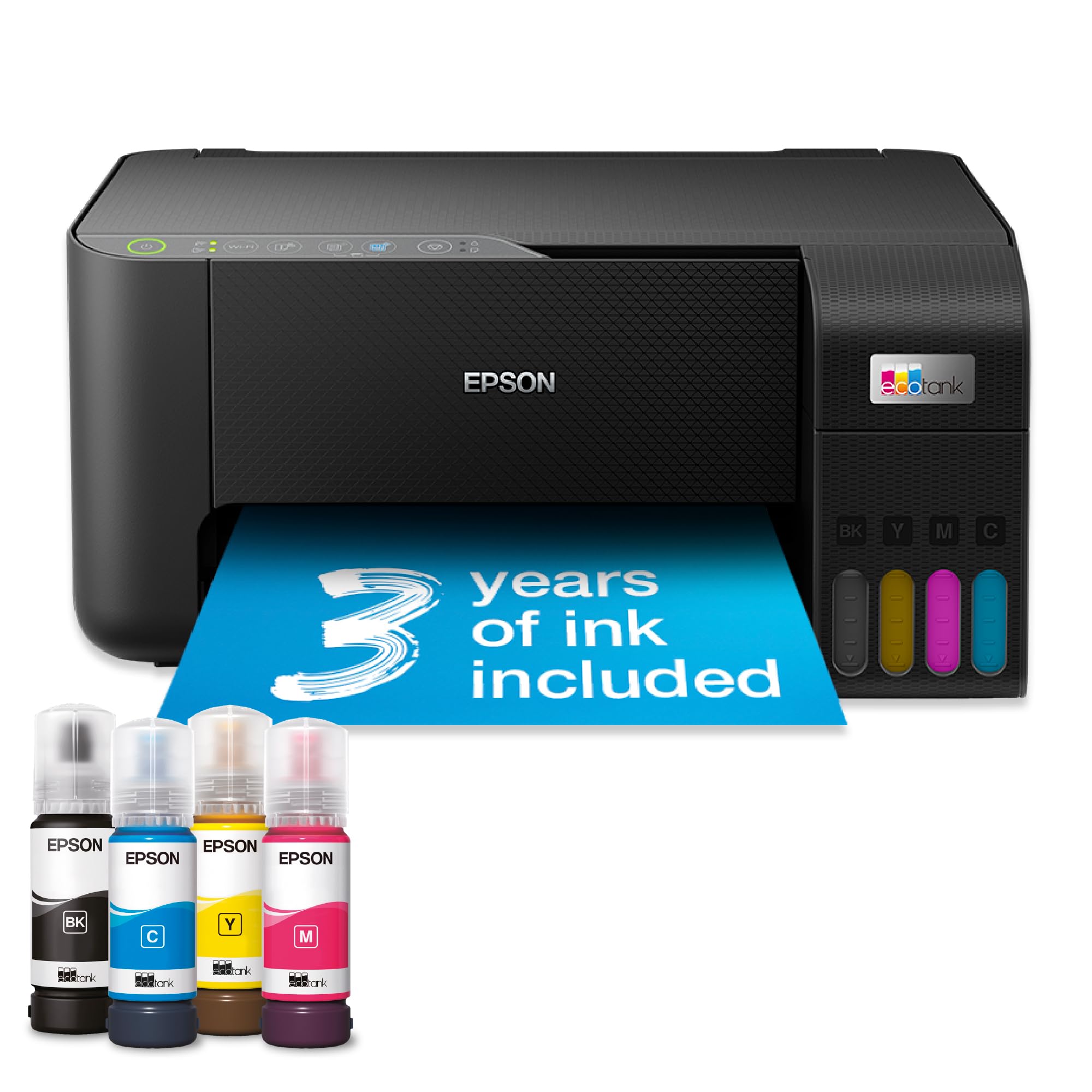
The EcoTank ET-2860 is a solid choice for artists on a budget who print frequently, though you’ll need patience during setup and may encounter occasional paper feeding issues.
Pros
- The included ink supply lasts incredibly long and drastically cuts printing costs compared to cartridge-based systems
- Borderless printing up to 10x15cm works brilliantly for smaller art prints and photo projects
- The refillable tank system with colour-coded bottles makes topping up ink straightforward once you get the hang of it
Cons
- Initial Wi-Fi setup can be frustrating and time-consuming, often requiring multiple attempts, though once connected it generally stays reliable for everyday use.
- Paper feeding from the rear tray is unreliable and frequently requires reloading before sheets pull through correctly, which becomes tedious when printing multiple copies.
We found the ink tank system to be the standout feature of this printer. The bottles slot in easily with their key-lock design, and watching the transparent tanks fill up gives you a clear view of remaining ink levels. After several months of regular use, we barely made a dent in the supplied ink.
Print quality for art reproductions is decent for the price point. The colours come through vibrant on photo paper, and we successfully printed birthday cards on 250gsm cardstock without major issues. The borderless feature works well for smaller prints, though you’re limited to postcard-sized outputs.
The paper feeding situation proved genuinely annoying during our testing. We had to reload sheets two or three times before they’d pull through properly. This becomes tedious when you’re trying to print multiple copies of the same artwork.
The Epson Smart Panel app adds convenience once everything is connected. We controlled printing jobs from our phones without getting up from the sofa. However, getting to that point required more troubleshooting than we’d have liked, particularly with the initial Wi-Fi setup.
For artists producing smaller prints in volume, the cost savings make this worthwhile despite its quirks. Just budget extra time for that first setup session.
5. Canon imagePROGRAF PRO-310
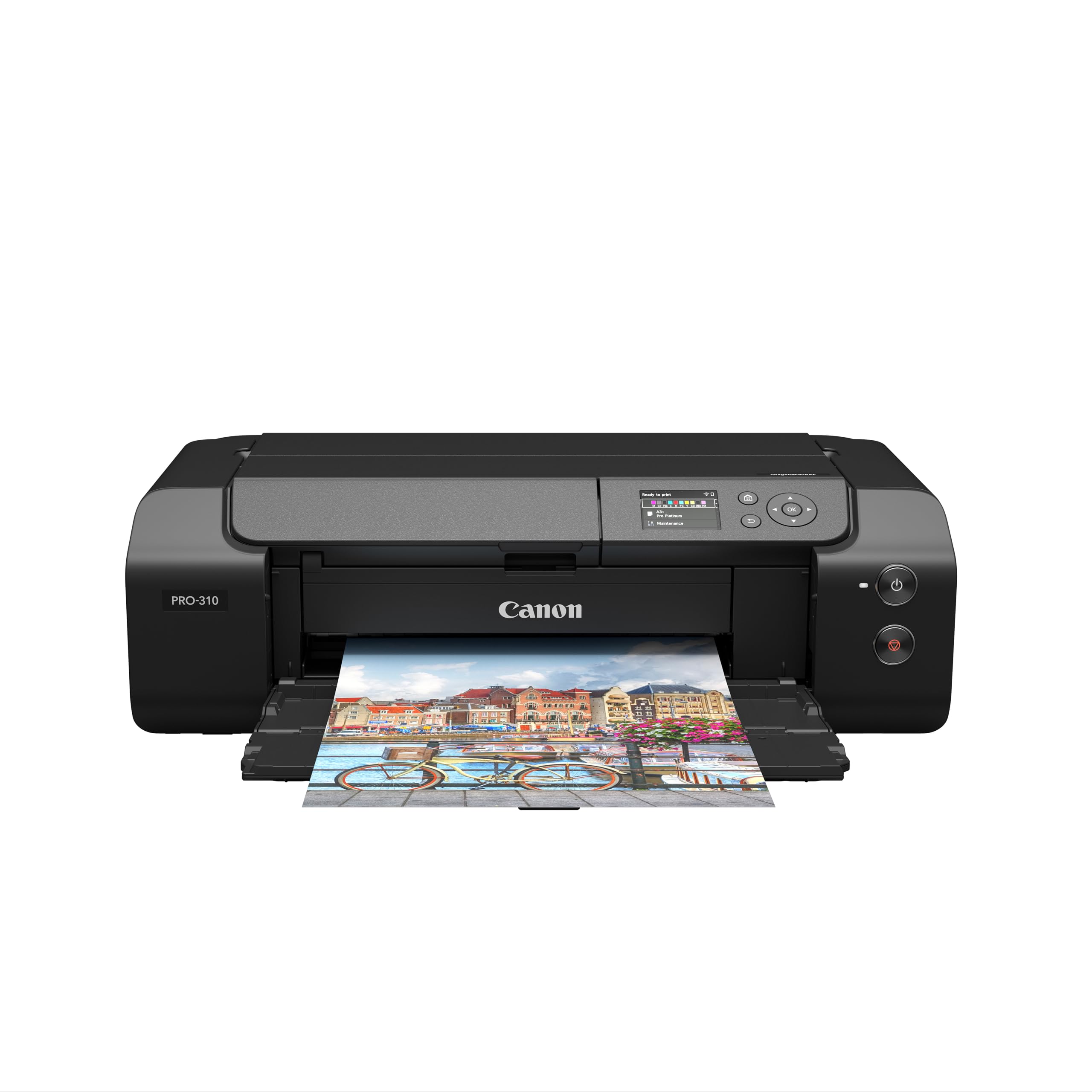
This printer delivers professional gallery-quality prints with exceptional colour accuracy and long-lasting results that justify the investment for serious art printing.
Pros
- The 10-colour pigment ink system produces stunning colour depth with smooth gradients and eliminates bronzing on fine art papers
- Prints hold up remarkably well over time, with Canon claiming 200 years of light resistance for archival pieces
- Wireless connectivity makes it simple to print from multiple devices without cable clutter
Cons
- Software can be temperamental if the printer’s IP address changes on your network, requiring manual reconfiguration to restore the connection.
- Print speeds are considerably slower than standard photo printers, so patience is essential when producing large format or detailed artwork.
- It is a substantial unit that takes up considerable desk space, so make sure you have room to accommodate it before buying.
We’ve been genuinely impressed by the print quality this Canon delivers straight out of the box. The colours are vibrant without being oversaturated, and the detail reproduction on fine art paper is remarkable.
Setting up the wireless connection was straightforward initially, though we did encounter the IP address issue that others have mentioned. Once you sort that out, the printer connects reliably to both Mac and PC systems.
The build quality feels reassuringly solid compared to some recent competitors. At 14.4 kilograms, this isn’t a lightweight machine, but that heft translates to stability during printing.
Borderless printing works brilliantly on both glossy and textured fine art papers. We particularly appreciate the ability to create custom-length panoramic prints up to 1,800mm, which opens up creative possibilities for unique display formats.
The bright display screen makes monitoring ink levels and adjusting settings much easier than older models we’ve used. You can quickly check everything without diving into computer software menus.
Print speeds won’t win any races, but that’s expected with this level of quality output. We find the wait worthwhile when the finished prints emerge looking gallery-ready.
What to Look for in a Printer for Art Prints
When we’re shopping for a printer designed for art prints, we need to focus on several critical features that will determine the quality of our final output.
Print Technology
Inkjet printers are the standard choice for art prints because they handle colour gradients and fine details better than other technologies. We should look for models with at least six colour cartridges, as more colours mean better colour accuracy and smoother transitions.
Resolution and Paper Handling
Print resolution matters significantly for art reproduction. We recommend looking for printers with a minimum resolution of 2400 x 1200 DPI, though higher is better for professional-quality prints.
The printer must accept various paper types and weights. Look for models that handle thick art papers, canvas, and specialty media up to at least 300 gsm.
Connectivity and Size Options
| Feature | What to Consider |
|---|---|
| Maximum Print Size | A4 for hobbyists, A3+ or larger for professionals |
| Connectivity | Wi-Fi, USB, and direct printing options |
| Ink System | Individual cartridges save money versus combined units |
Colour Management
A printer with good colour management tools helps us achieve accurate colour reproduction. Look for models that support ICC profiles and offer calibration options.
Running Costs
We should calculate the cost per print by checking individual ink cartridge prices and their page yields. Printers with larger capacity cartridges typically offer better value over time.
Border printing capabilities allow us to print edge-to-edge, which is essential for professional art prints.
| Product | Rating | Price |
|---|---|---|
| Canon PIXMA TR4755i★ BEST BUY | ★★★★★ | Check Price |
| Epson Expression Home XP-4200 | ★★★★ | Check Price |
| HP Envy 6120e | ★★★★ | Check Price |
| Epson EcoTank ET-2860 | ★★★ | Check Price |
| Canon imagePROGRAF PRO-310 | ★★ | Check Price |
The Canon PIXMA TR4755i is our top pick for the best printer for art prints at home. Its 4800 x 1200 dpi resolution, reliable wireless performance, and borderless printing capability make it the most well-rounded and accessible choice for home artists wanting quality results without a steep learning curve.