

Home printers have become essential tools for managing everyday tasks like printing documents, photos, and school assignments. A reliable printer saves trips to the shop and gives you control over when and what you print. The best printer for home use balances print quality, running costs, and features that match your household’s needs.
When choosing a home printer, consider whether you need colour or just black and white printing, how often you’ll print, and whether scanning and copying functions matter to you.
Ink or toner costs can quickly exceed the printer’s initial price, so understanding the cost per page is crucial.
We tested multiple printers across different price points to find the models that deliver consistent quality without breaking the bank.
1. Epson Expression Home XP-4200

The Epson XP-4200 offers solid performance and wireless flexibility at a price point that won’t strain your budget, making it a sensible choice for typical home printing needs.
Pros
- Wireless printing works reliably through the Smart Panel app on phones and tablets
- Individual ink cartridges mean you only replace the colours that run out
- Compact design fits comfortably on a desk without dominating the space
Cons
- Colour printing runs slightly slower than black and white output, though for typical home volumes this rarely causes any real inconvenience.
We found the setup process straightforward when we connected this printer to our home network. The Epson Smart Panel app guided us through each step, and within minutes we were printing wirelessly from our mobile devices. WiFi Direct proved useful when we needed to print without joining our main network.
Print quality impressed us for everyday documents and occasional photo printing. Text came out crisp and clear, whilst colour prints showed good vibrancy for home use. The automatic duplex printing feature helped us save paper on longer documents, though it does slow down the overall print job.
The four-colour Pineapple 604 ink system keeps running costs reasonable. We appreciated only replacing individual cartridges as they emptied rather than wasting partially used colours. XL cartridges are available if you print frequently, which reduces the cost per page further.
Scanning and copying functions work well for basic tasks. We scanned documents directly to our phone using the app, which came in handy when we needed to send files quickly. The 100-sheet paper tray handles standard home printing volumes without constant refilling.
Build quality feels lighter than premium models, but it holds up fine for regular home use. The compact footprint meant we could tuck it onto a shelf when not needed. At 4.3 kilograms, moving it around poses no difficulty.
★ BEST BUY
2. HP DeskJet 2810e

This compact all-in-one printer handles everyday home printing tasks without fuss, though you’ll need to factor in ongoing ink costs.
Pros
- Setup takes minutes with the mobile app and QR code scanning
- Remarkably quiet operation compared to older printer models
- Automatic Wi-Fi reconnection keeps it ready when you need it
Cons
- Replacement ink cartridges can become costly without an Instant Ink subscription, though the subscription itself offers good value for regular printing households.
We found the HP DeskJet 2810e refreshingly straightforward to get running. Scanning the QR code with our phone downloaded the app instantly, and the Bluetooth pairing happened within seconds. The whole process from unboxing to first print took less than ten minutes.
Daily printing tasks feel effortless with this machine. We’ve printed everything from shipping labels to recipe cards, and the wireless connection stays stable throughout the day. The printer automatically reconnects if our Wi-Fi drops briefly, which saves us from constant troubleshooting.
Print quality meets expectations for standard home documents and casual photos. Colours come out reasonably vibrant, though professional photo printing isn’t this model’s strength. The 60-sheet paper tray holds enough for weekly printing without constant refilling.
Operating noise impressed us most. Our previous printer sounded like a factory machine, but the DeskJet 2810e hums along quietly in the background. We can print whilst on phone calls without interruption.
The ink subscription service offers genuine savings if you print regularly. We’re saving roughly 70% compared to buying cartridges individually. However, without the subscription, replacement cartridges quickly eat into your budget.
Placement matters with this printer. We initially positioned it two rooms from our router and experienced frequent disconnections. Moving it closer resolved the issue completely. The compact white design fits nicely on most desks without dominating the space.
3. Canon PIXMA TR4755i

The Canon PIXMA TR4755i delivers solid all-in-one functionality at a reasonable price point, making it a practical choice for basic home office needs despite slightly slower print speeds.
Pros
- Wireless connectivity works reliably once set up, with smooth scanning and printing through the Canon PRINT app
- Automatic double-sided printing helps save paper and reduces environmental impact
- Compact design fits comfortably on smaller desks without taking up excessive space
Cons
- Print speeds are on the slower side, particularly for colour documents at 4.4 pages per minute, so it suits light to moderate home use rather than high-volume printing.
- Ink cartridges run out relatively quickly, so it is worth budgeting for replacement costs or looking into a subscription service to keep running costs manageable.
We found the PIXMA TR4755i straightforward to connect via Wi-Fi after the initial installation process. The wireless printing worked consistently across our laptop and smartphone without frustrating disconnections. Scanning multiple pages through the 20-sheet automatic document feeder proved convenient for digitising receipts and paperwork.
Print quality impressed us for everyday documents and casual photo printing. Text came out crisp and readable, whilst colour images showed decent vibrancy for a budget inkjet. The automatic duplex printing feature saved us time when printing longer documents, though we needed to be patient given the modest speed.
Managing the printer through the Canon PRINT app felt intuitive once we got familiar with the interface. Cloud printing capabilities added flexibility when we needed to print something whilst away from our desk. The 100-sheet paper capacity meant we didn’t need to refill constantly during normal use.
Our main frustration centred around ink consumption. We burned through the starter cartridges within days of light use, and replacement cartridges felt expensive relative to the printer’s cost. The plastic construction feels somewhat flimsy compared to pricier models, though it hasn’t affected performance during our testing period.
4. HP Envy 6120e All in One Printer
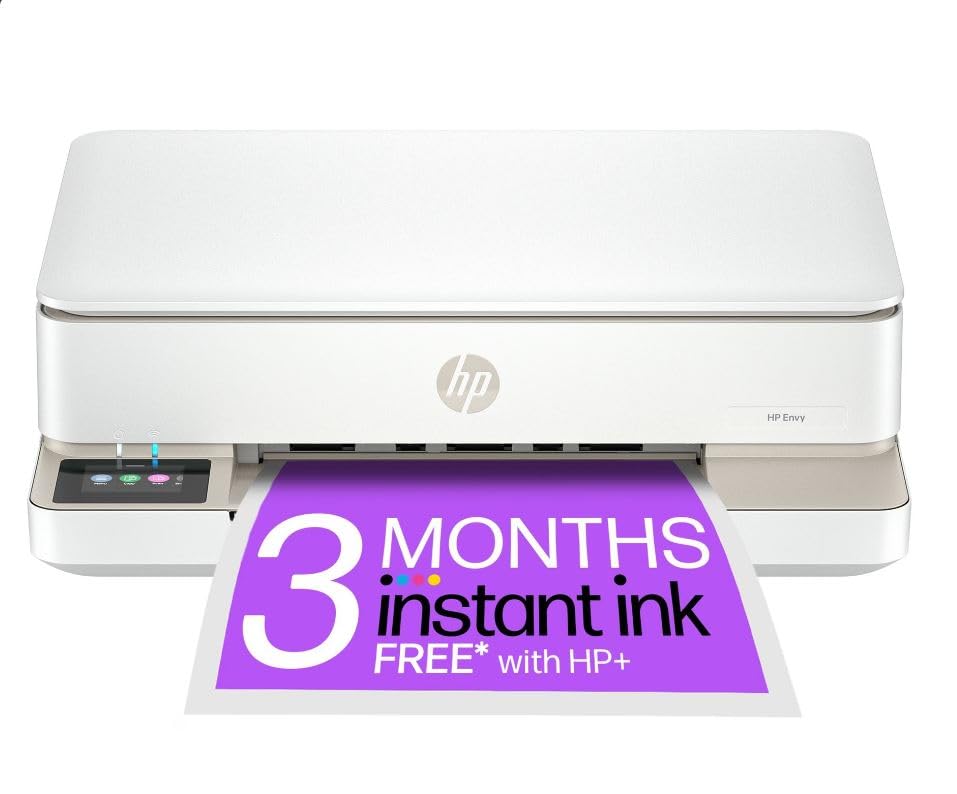
This compact all-in-one delivers reliable wireless printing for households needing both document and photo capabilities without taking up much desk space.
Pros
- Self-healing dual-band Wi-Fi automatically reconnects and stays stable throughout the day
- Automatic duplex printing saves paper and creates personalised double-sided photo cards
- Compact design fits neatly into smaller home office spaces
Cons
- Print speeds are modest at 10 pages per minute for black and 7 for colour, which can feel slow when printing longer documents in a hurry.
- The initial Instant Ink setup process can be confusing, though once registered the service runs smoothly and cartridges arrive automatically before you run out.
We’ve been using the HP Envy 6120e for everyday printing tasks and it handles the workload well. The colour touchscreen makes navigation straightforward, and we appreciate how simple it is to switch between printing documents and scanning receipts.
Photo quality genuinely impressed us. Borderless prints come out vibrant and match what we see on screen, which matters when creating greeting cards or printing family snapshots. The automatic duplex feature for photos is a nice touch that lets us add messages on the reverse side.
Setting up the wireless connection went smoothly thanks to the dual-band Wi-Fi. We’ve had no dropouts or connection issues since installation, which is a relief after dealing with temperamental printers in the past. The HP Smart app works across our phones and laptops without fuss.
Speed isn’t this printer’s strongest suit. When we’re printing longer documents, we notice the wait. For typical home use though, it’s perfectly adequate. The 100-sheet input tray means we’re not constantly refilling paper.
The Instant Ink subscription offers decent value if you print regularly. We’re saving on cartridge costs, though the initial registration process was slightly confusing. Once sorted, the cartridges arrive before we run out.
5. HP DeskJet 2922
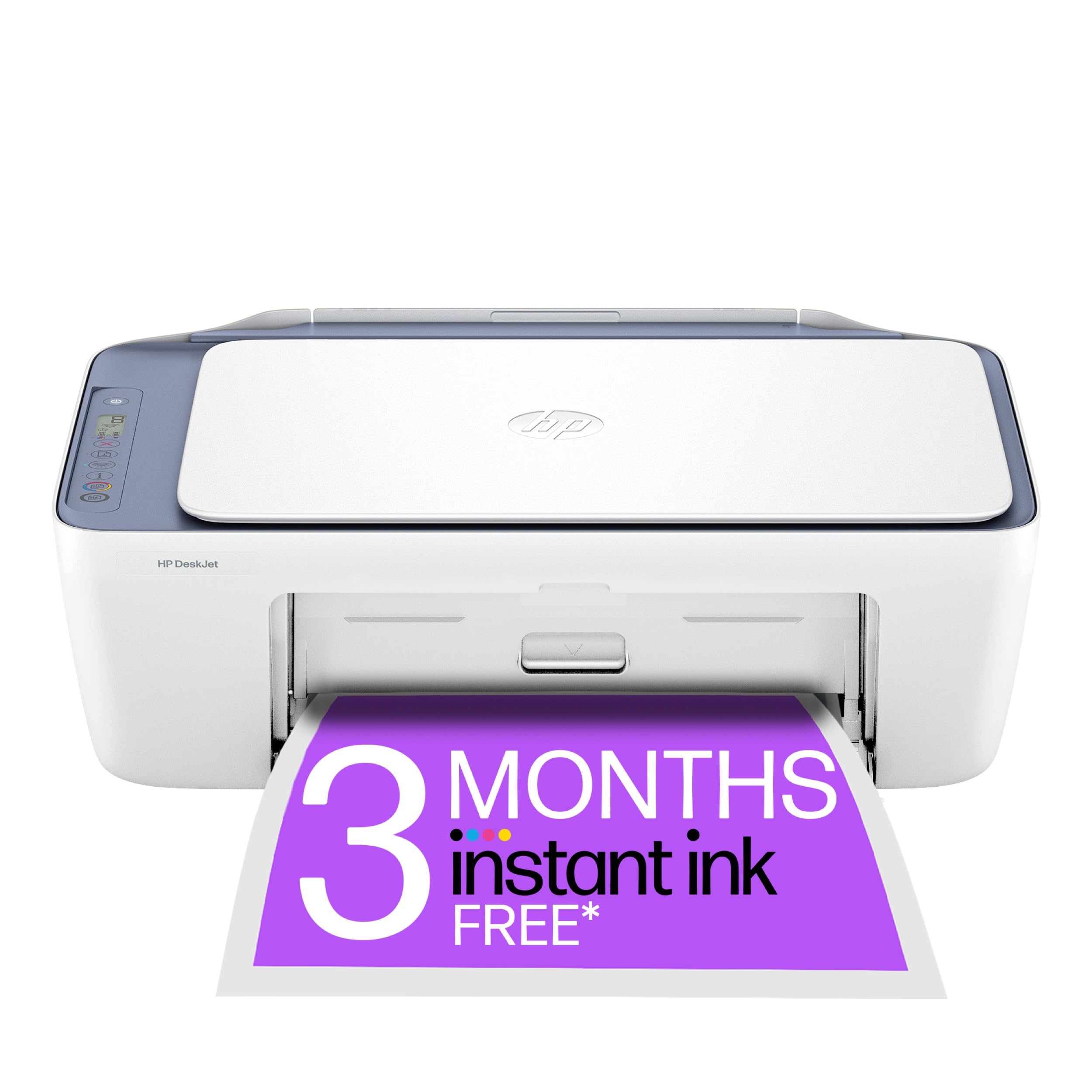
The HP DeskJet 2922 is a solid choice for basic home printing needs if you don’t mind occasional connectivity quirks during setup.
Pros
- Print quality delivers crisp documents and decent photos for everyday use
- Compact design fits easily on a desk without taking up too much space
- Three months of free Instant Ink helps reduce ongoing costs
Cons
- Initial Wi-Fi setup can be frustrating and time-consuming, often requiring multiple attempts before the connection is established reliably.
- Cartridge installation is fiddlier than expected compared to other printers in this price range.
- Mobile app compatibility issues can make wireless printing unreliable at times, and some users have reported cartridge recognition problems even with new ink.
We found the print quality genuinely impressive for a budget model. Documents came out sharp and colours looked vibrant on photo paper. The machine handles everyday tasks like school worksheets and receipts without any complaints.
Setup proved more challenging than we anticipated. Getting the Wi-Fi connection established took multiple attempts, and we had to ignore the HP Smart app in favour of the simpler HP app to get things working properly. The cartridge installation also felt unnecessarily fiddly compared to other printers we’ve used.
Once everything was running, the DeskJet 2922 performed reliably for moderate printing volumes. We appreciated how quiet it operates compared to older models. The 60-sheet paper tray holds enough for weekly use without constant refilling.
The Instant Ink subscription offers real value if you print regularly. We liked not having to worry about running out of ink unexpectedly. However, some users reported cartridge recognition problems even with brand new ink, which raises concerns about long-term reliability.
What to Look for in a Home Printer
When we’re shopping for a home printer, understanding our specific needs helps narrow down the options. Think about how often we’ll print and what types of documents we need most.
Print Volume and Speed
We should consider how many pages we print each month. Light users printing fewer than 100 pages need different features than families printing 500+ pages. Print speed matters if we’re often in a hurry, with faster models producing 15-20 pages per minute.
Print Quality and Resolution
Resolution determines how crisp our documents and photos look. For basic text documents, 600 x 600 dpi works fine. Photo printing requires higher resolution, typically 4800 x 1200 dpi or better.
Ink Technology
| Type | Best For | Cost Per Page |
|---|---|---|
| Inkjet | Photos, colour documents | Moderate to high |
| Laser | High-volume text printing | Low |
| Tank | Heavy users needing low running costs | Very low |
Connectivity Options
Modern printers should offer multiple ways to connect. Wi-Fi lets us print from anywhere in our home. Mobile printing through apps makes printing from smartphones straightforward. USB connections provide reliable backup options.
Additional Features
Scanning and copying capabilities add versatility without requiring separate devices. Automatic document feeders save time when handling multiple pages. Duplex printing cuts paper costs by printing on both sides automatically.
Running Costs
We must look beyond the initial purchase price. Ink or toner replacement costs add up quickly. Check the estimated cost per page and cartridge yields before buying.
| Product | Rating | Price |
|---|---|---|
| Epson Expression Home XP-4200★ BEST BUY | ★★★★★ | Check Price |
| HP DeskJet 2810e | ★★★★ | Check Price |
| Canon PIXMA TR4755i | ★★★★ | Check Price |
| HP Envy 6120e All in One Printer | ★★★ | Check Price |
| HP DeskJet 2922 | ★★ | Check Price |
The Epson Expression Home XP-4200 is our top pick for the best printer for home use. Its combination of individual ink cartridges, reliable wireless connectivity, and compact design makes it the most practical and cost-effective choice for everyday household printing.