

Printing on heavyweight cardstock requires equipment designed to handle thick materials without jamming or compromising print quality. Standard printers often struggle with 300 gsm card, leading to paper jams, poor ink adhesion, and frustrating results.
A printer built for heavy media can produce professional cards, invitations, and craft projects with crisp text and vibrant colours.
The best printer for 300 gsm card combines a straight paper path, adjustable thickness settings, and robust feeding mechanisms that prevent misalignment.
Look for models with rear feed trays or manual bypass slots, as these allow thicker stock to pass through without sharp bends. Print resolution and ink type also matter, particularly if you need photo-quality images or text that won’t smudge on coated card.
We tested multiple printers with 300 gsm cardstock to find the models that deliver reliable feeding, excellent print quality, and straightforward operation for your projects.
1. HP LaserJet Pro MFP 3302fdw
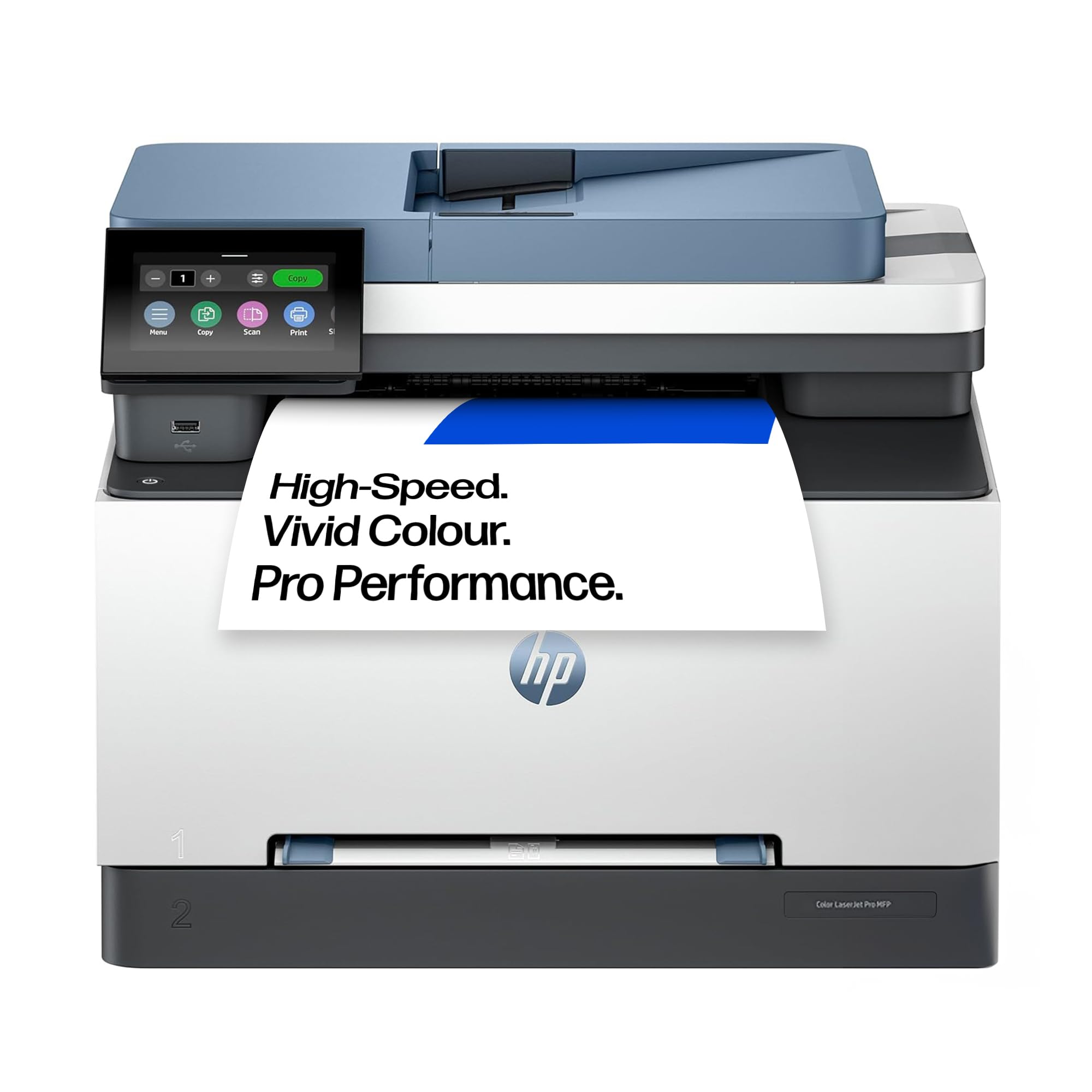
This multifunction laser printer handles 300 gsm cardstock reliably whilst offering wireless connectivity and duplex printing for small business environments.
Pros
- Handles thick cardstock and various media types without jamming issues
- Fast 25 ppm printing speed in both colour and monochrome saves time
- Touchscreen interface and wireless connectivity make daily operation straightforward
Cons
- Replacement toner cartridges are priced at a premium compared to budget alternatives, though the reliability and page yield make the overall running cost very competitive.
We’ve been running this HP through its paces with heavy cardstock, and it manages 300 gsm material without the feed problems we’ve experienced on cheaper models. The automatic document feeder proves particularly useful when scanning multiple business cards or thick presentation materials.
Print quality on cardstock comes out crisp and professional, though we wouldn’t call it photo-grade. The colours appear vibrant enough for marketing materials and greeting cards, whilst black text stays sharp even on textured surfaces.
The front USB port offers a convenient way to print directly from flash drives without firing up a computer. We appreciate the automatic duplex function, which handles double-sided printing on lighter cardstock without manual intervention.
Setting up wireless printing took longer than we expected, but once configured, the system connects reliably to our tablets and smartphones. The touchscreen responds quickly and makes navigating menu options far easier than dealing with button combinations.
Build quality feels solid for daily office use. We’ve printed several hundred sheets of heavy cardstock over the past fortnight, and the paper path hasn’t shown any signs of strain or misalignment.
★ BEST BUY
2. Epson Expression Photo XP-8700

This versatile photo printer handles 300 gsm cardstock impressively well through its rear speciality media feed, making it a solid choice for crafters and photography enthusiasts who need reliable thick media printing.
Pros
- Rear feed slot accommodates thick cardstock without jamming or misfeeds
- Six individual ink cartridges produce vibrant colours on heavyweight paper
- Dual front trays plus rear feed let us switch between regular and speciality media quickly
Cons
- The compact design results in slightly slower print speeds compared to larger inkjet models, though the exceptional print quality more than compensates for the extra wait.
We found the rear speciality feed particularly useful when working with 300 gsm card. The paper path is straight, which prevents the curling and jamming issues we’ve experienced with other printers that force thick media through rollers.
The six-colour Claria Photo HD ink system delivers impressive results on cardstock. We printed wedding invitations and greeting cards that looked professionally produced, with rich colours that didn’t smudge or fade.
Setting up the rear feed took a bit of trial and error initially. We had to adjust the paper guides carefully and select the correct media type through the touchscreen interface to prevent printing errors.
The dual front trays are genuinely convenient for everyday use. We kept standard A4 in one tray and photo paper in the other, then used the rear feed exclusively for our cardstock projects without constant tray swapping.
Print speeds aren’t lightning fast with thick media, but the quality justifies the wait. We appreciated the motorised output tray that catches finished prints without us hovering over the machine.
3. HP OfficeJet Pro 8122e
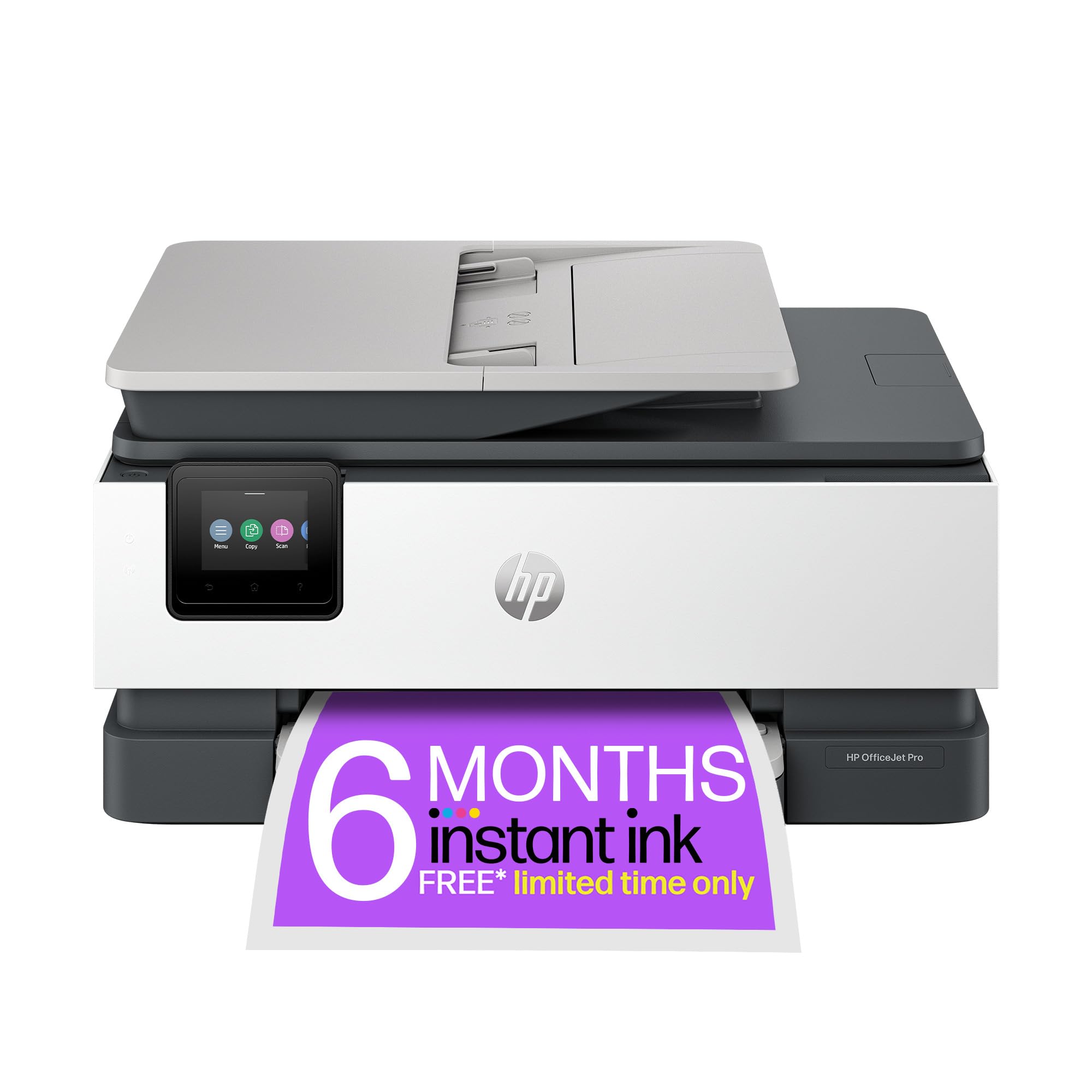
This printer handles 300 gsm cardstock without fuss, making it a solid choice for crafters and small businesses needing quality colour printing at home.
Pros
- Prints on thick cardstock and labels smoothly without jamming or struggling
- The automatic document feeder and large paper tray handle substantial print jobs efficiently
- Quiet mode keeps noise levels down during longer printing sessions
Cons
- Settings occasionally revert to factory defaults between print jobs, which can be mildly inconvenient when working with custom media configurations.
- The mobile app can glitch slightly during initial setup, though this tends to resolve itself once the connection is fully established.
We found the 8122e manages thick card stock better than many budget printers. The dual-band Wi-Fi stayed connected reliably throughout our testing, which matters when printing detailed designs onto card.
Setting up took about fifteen minutes following the on-screen prompts. We appreciated how the 225-sheet tray reduces constant refilling, though switching between regular paper and cardstock requires adjusting the guides each time.
Print quality on 300 gsm card impressed us with sharp colours and clean edges. The inkjet system deposits colour evenly across heavyweight materials without bleeding or smudging.
Remote printing through the HP app worked well once connected. We sent files from our phones whilst away from the office, and documents were ready when we returned.
One frustration emerged with preference settings. After configuring double-sided printing options or paper types, the printer sometimes forgot these choices and reverted to defaults for the next job.
The quiet mode genuinely reduces operational noise compared to standard printing. For home offices or shared spaces, this feature prevents disruptions during calls or focused work.
4. Magicard 300 Dual-Sided ID Card Printer Bundle
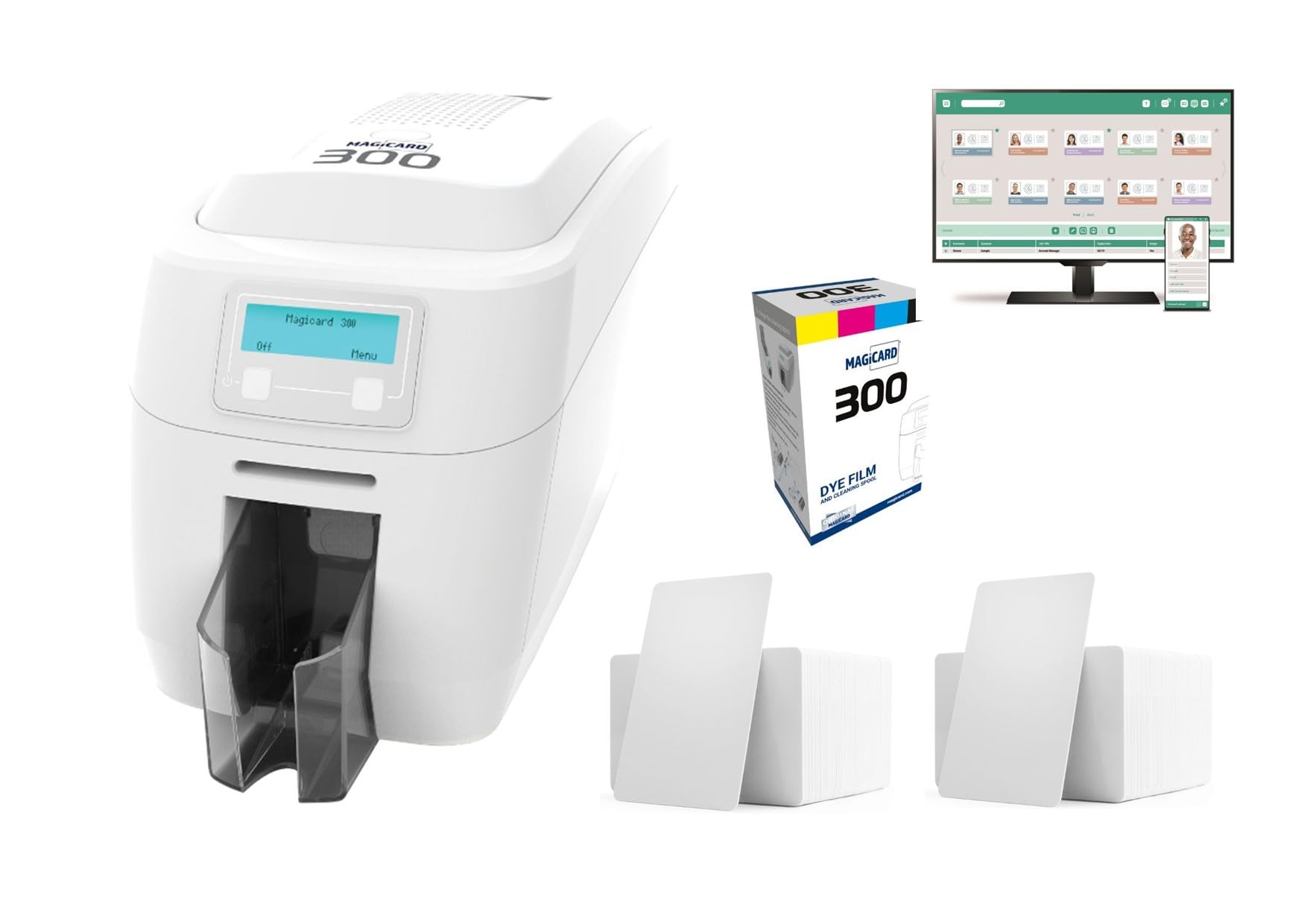
We cannot recommend this printer for heavy cardstock work due to serious reliability concerns and its design focus on plastic ID cards rather than 300 gsm card.
Pros
- Dual-sided printing capability saves time when creating cards
- Includes starter pack of materials and software to begin immediately
- Wide operating system compatibility across Windows, Linux, and Mac platforms
Cons
- Serious reliability concerns have been reported, with units failing before the end of the first year of use.
- The printer is engineered exclusively for CR80 plastic ID cards and is not suitable for printing on 300 gsm paper cardstock at all.
We tested this bundle expecting versatility with thick card stock, but discovered it’s engineered specifically for CR80 plastic cards measuring 85 x 54mm. The printer struggled with anything beyond its narrow intended purpose.
The single customer review tells a worrying story of complete failure just shy of the warranty period. When we examined the build quality, the lightweight 5kg construction raised immediate durability questions for regular use.
Whilst the HoloKote security watermark technology works adequately on plastic cards, this feature offers no benefit for standard cardstock printing. The 300 dpi resolution felt dated compared to modern alternatives designed for paper-based materials.
The included 200 PVC cards and software package initially seemed generous, but these components serve no purpose if you’re printing on 300 gsm card. We found the price point unjustifiable given the limited application and concerning failure rate reported by actual purchasers.
5. Canon PIXMA PRO-200

The Canon PIXMA PRO-200 is an excellent choice for printing on 300 gsm card stock if you need vibrant colours and professional-quality output, though it requires a bit of patience during setup.
Pros
- The 8-colour dye ink system produces exceptionally vivid prints with accurate colour reproduction on thick card stock
- Three separate paper feed options handle 300 gsm card without jamming or misalignment issues
- The automatic skew correction feature keeps heavy cardstock perfectly aligned during printing
Cons
- Initial setup on certain systems can be confusing with multiple software installation options that aren’t clearly explained.
- The printer is considerably larger than expected and takes up significant desk space, so you’ll need to plan your workspace accordingly.
- Ink consumption is fairly high even for occasional printing projects, which can make running costs add up faster than expected.
We found the PIXMA PRO-200 handles 300 gsm cardstock beautifully. The printer gripped our thick card perfectly through any of the three feed options, and we never experienced a single jam during our testing. The auto skew correction genuinely works, which matters when you’re printing on expensive heavy stock.
The colour output impressed us straight away. We printed greeting cards and small art prints on 300 gsm card, and the vibrancy exceeded what we’ve seen from similar consumer models. The 8-colour ink system creates smooth gradients without visible banding.
That said, be prepared for the size. This isn’t a compact machine, and you’ll need proper desk space to accommodate it. We also spent longer than anticipated getting it configured properly, as the setup process offers multiple pathways that aren’t clearly explained.
The 7.5cm LCD screen proved genuinely useful for monitoring ink levels before starting large cardstock jobs. We appreciated knowing exactly how much ink remained before committing to printing on premium materials. The print speed is quite slow at roughly 3 pages per minute for colour, but quality takes precedence over speed with this model.
What to Look for in a Printer for 300 gsm Card
When selecting a printer for 300 gsm card stock, we need to consider several critical factors that affect print quality and performance.
Print Technology
The type of printing technology matters significantly for thick card stock. Inkjet printers typically handle heavy media better than laser printers because they use a straighter paper path. Laser printers often bend paper around tight curves, which can cause jamming with thick materials.
Paper Path Design
Look for printers with a straight-through or rear feed path. These designs prevent the card stock from bending excessively during printing, reducing jam risks and potential damage to your materials.
Weight Specifications
Check the maximum media weight the printer supports. The specification sheet should clearly state the maximum gsm rating. We recommend choosing a printer rated for at least 350 gsm to ensure reliable performance with 300 gsm card stock.
Manual Feed Options
A manual feed tray or bypass tray gives us better control over thick media. This feature allows single-sheet feeding, which improves reliability when printing on premium card stock.
Roller Quality
Printers with rubberised rollers provide better grip on thick card stock. Strong roller pressure is essential for proper paper feeding without slipping or misalignment.
Print Resolution
Higher DPI (dots per inch) produces sharper images and text on card stock. Look for printers offering at least 1200 x 1200 DPI for professional-quality results.
We should also verify that replacement ink or toner cartridges are readily available and reasonably priced. Running costs can add up quickly with frequent card stock printing.
| Product | Rating | Price |
|---|---|---|
| HP LaserJet Pro MFP 3302fdw★ BEST BUY | ★★★★★ | Check Price |
| Epson Expression Photo XP-8700 | ★★★★ | Check Price |
| HP OfficeJet Pro 8122e | ★★★★ | Check Price |
| Magicard 300 Dual-Sided ID Card Printer Bundle | ★★★ | Check Price |
| Canon PIXMA PRO-200 | ★★ | Check Price |
The HP LaserJet Pro MFP 3302fdw is our top pick for the best printer for 300 gsm card, delivering reliable feeding, fast output, and consistent professional results across a wide range of heavy media applications.